Meet in your
own space.
lumeeta is a tiny macOS app for instant video calls and screen sharing with your team. No links, no lobbies, no calendar. Just tap a friend and you are already looking at their screen.
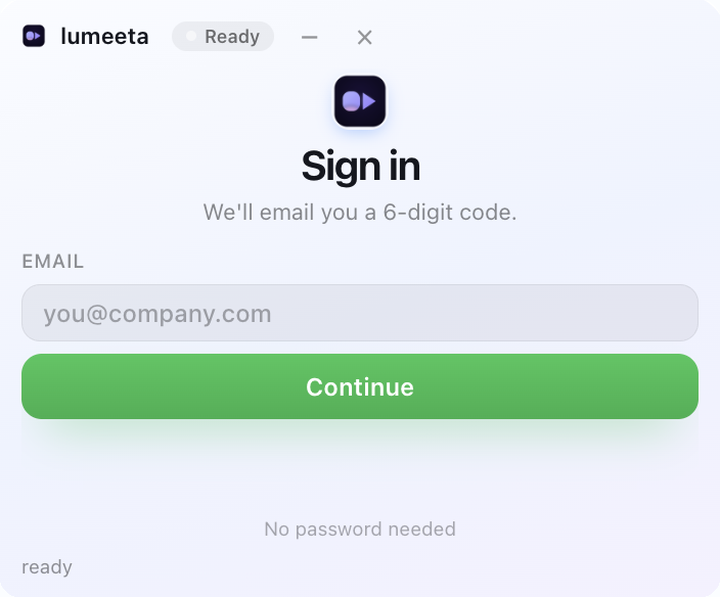
Built for showing, not scheduling
Most calls do not need an agenda. They need a window and five minutes.
Instant
Tap a friend in the list and the call starts. Nothing to create, nothing to send, nobody waits in a lobby.
Private by design
Video and audio travel directly between Macs. Our server only introduces you — it never sees or stores the call.
Screen sharing
Share a window or the whole screen in one click. Your camera shrinks to a bubble, the screen takes the stage.
Three steps, once
After that it is just a tap.
Sign in with email
Enter your address, get a six-digit code. No password to remember or leak.
Add friends by handle
Share your @handle, add each other once, and you are permanently connected.
Tap to call
Press a friend's name. Camera, microphone and screen sharing are one button away.
Private conversations. Nothing stored.
lumeeta is not a meeting platform. It does not record, transcribe, summarise or archive anything. There is no cloud copy of your call to export or leak later.
Meet in your own space
Download lumeeta, sign in with your email and tap a friend. It takes about a minute.
Download for macOS